GAMETIME

Courtside TV displays for basketball associations — pulling live fixtures straight from BasketballConnect and putting them on every screen in your stadium, automatically.

Sign in to your association See what it does ↓
5 minautomatic fixture refresh
API-firstnative BasketballConnect API integration
0 clicksneeded on game day
Any TVwith a browser or media player
The Display

Every court. Every game. One glance.

Point any TV at your association's display URL and it runs itself — showing the current and upcoming game for each court, then rotating your sponsor artwork once the day is done.

Live multi-court view — with your promos alongside

The landscape layout shows every court: sponsor logo, court name, both teams and tip-off time. It re-renders every minute so the board always reflects right now — and your promotional artwork can share the screen with the live game band.

  • Smart game windows — the next game appears a set number of minutes after the current game has started. You choose the window per association (10 minutes by default).
  • Placeholder filtering — byes, TBAs and un-drawn finals slots never make it to the screen.
  • Hide or hold empty courts — choose whether a quiet court disappears or shows “No Games Scheduled”.
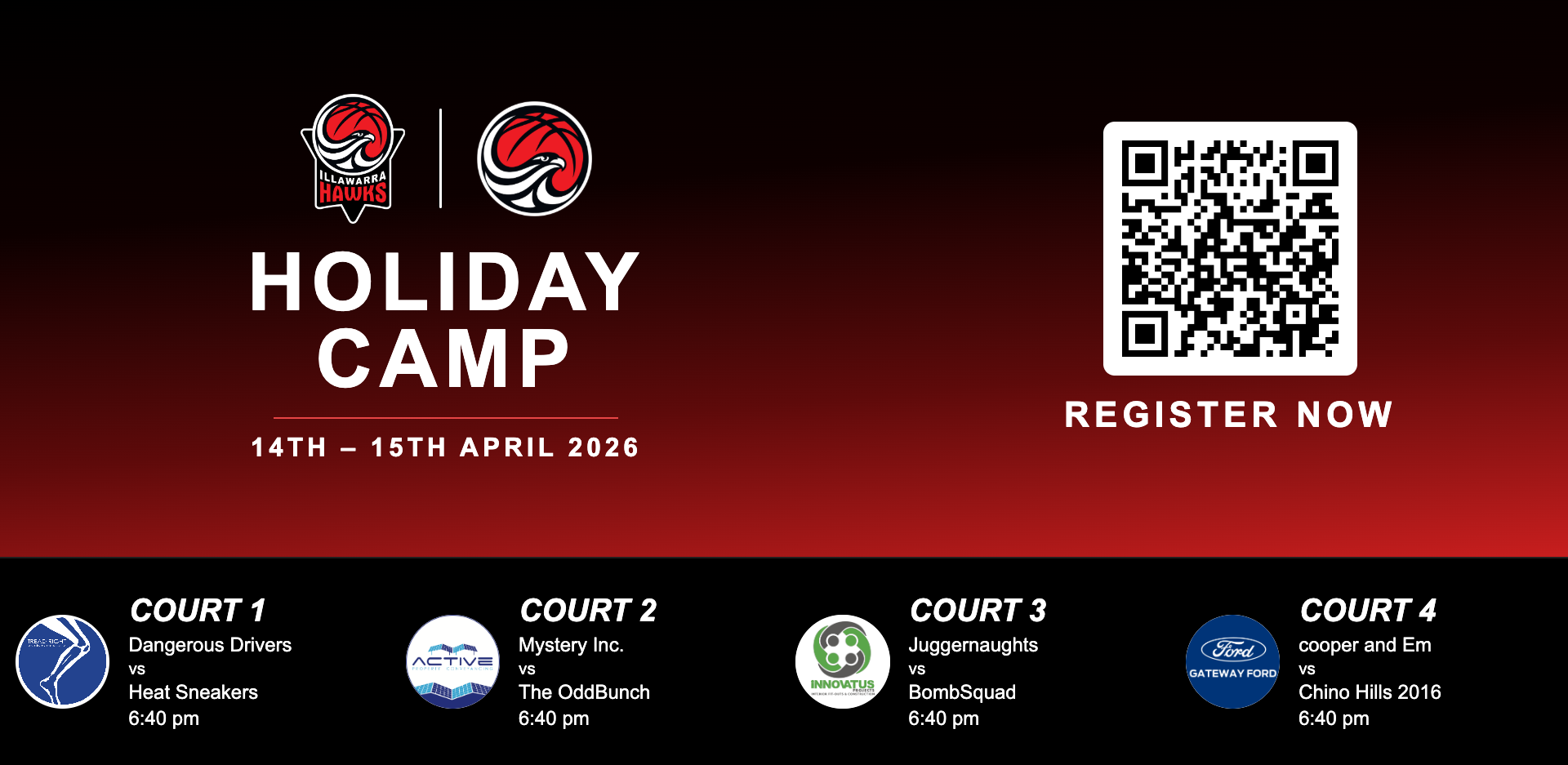
Illawarra TV display with Holiday Camp promo above the live game band
Promo artwork and the live game band sharing one screen — updated live

Portrait & branded layouts

Running vertical screens? The portrait preset stacks a full-bleed club badge, a white sponsor band and per-court fixtures — with team names coloured to match jersey colours.

  • Custom jersey labels — “Black” vs “Red” instead of Home and Away.
  • Theme control — background, text, accent and team colours, fonts and font scale.
  • Fallback carousel — full-screen artwork rotates when the day's games are done.

Wollondilly portrait TV display
Portrait display — hero badge, sponsor band, live fixtures
The Data

From BasketballConnect to the big screen — hands-free.

GameTime ingests fixtures two ways and merges them automatically, so the board stays right even when one source has a bad day.

Schedules that match your season

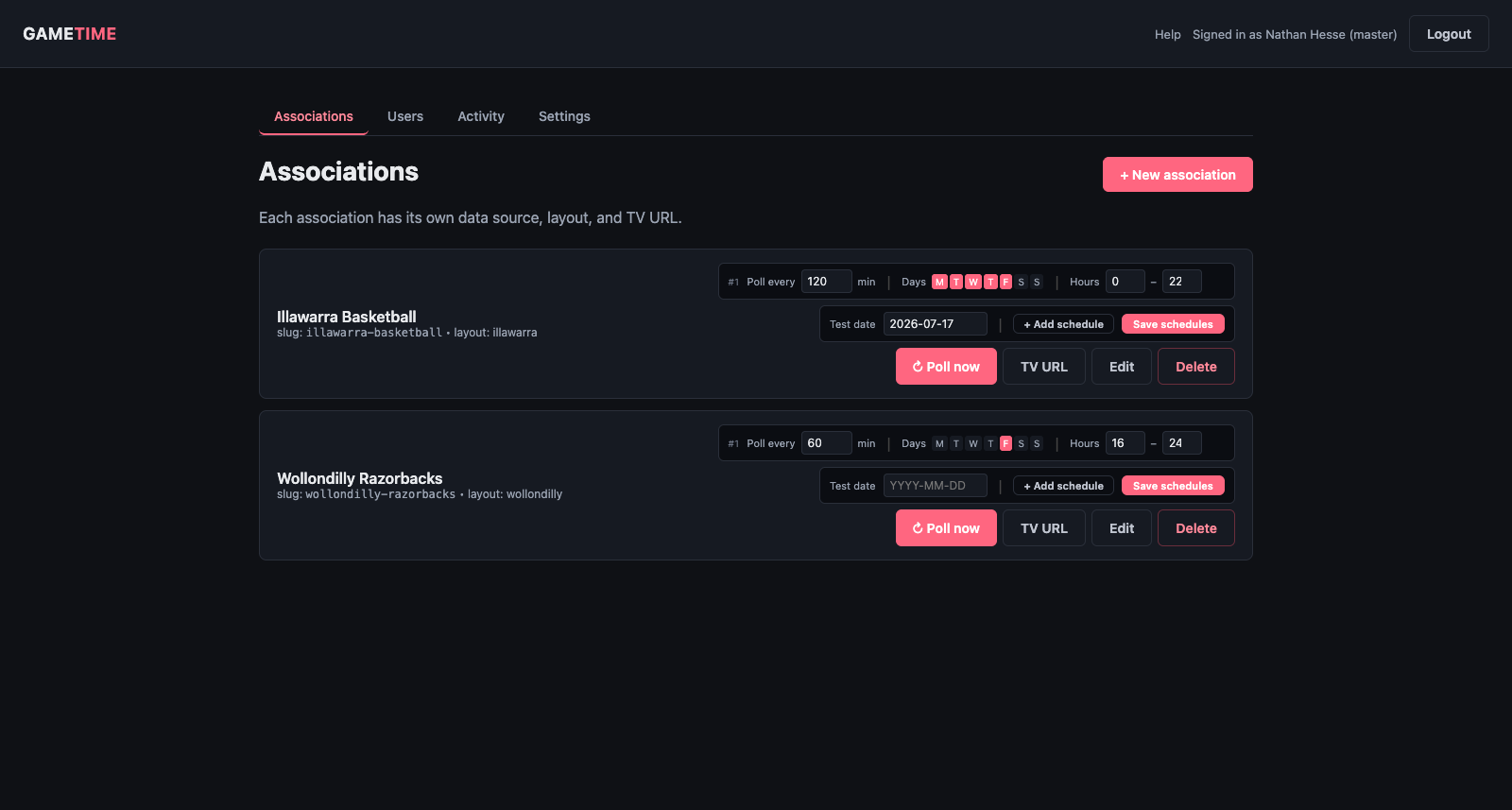
Every association gets up to three independent polling schedules — a one-off morning load, a high-frequency game-night window, whatever your week looks like. Outside those windows GameTime goes quiet and costs nothing.

  • BC API + web scraping — use the official API, fall back to a headless-Chrome scrape of public fixture pages, or run both.
  • Poll Now — force an immediate refresh with one click.
  • Court discovery — GameTime finds your venue's courts from the fixture data; you tick the ones your TVs should show.
Admin console with poll schedules
Master admin — associations, polling schedules and instant actions
The Design

Presets when you're busy. A full editor when you're not.

Start from a proven layout and re-skin it in minutes — or open the drag-and-drop editor and build your screen from scratch.

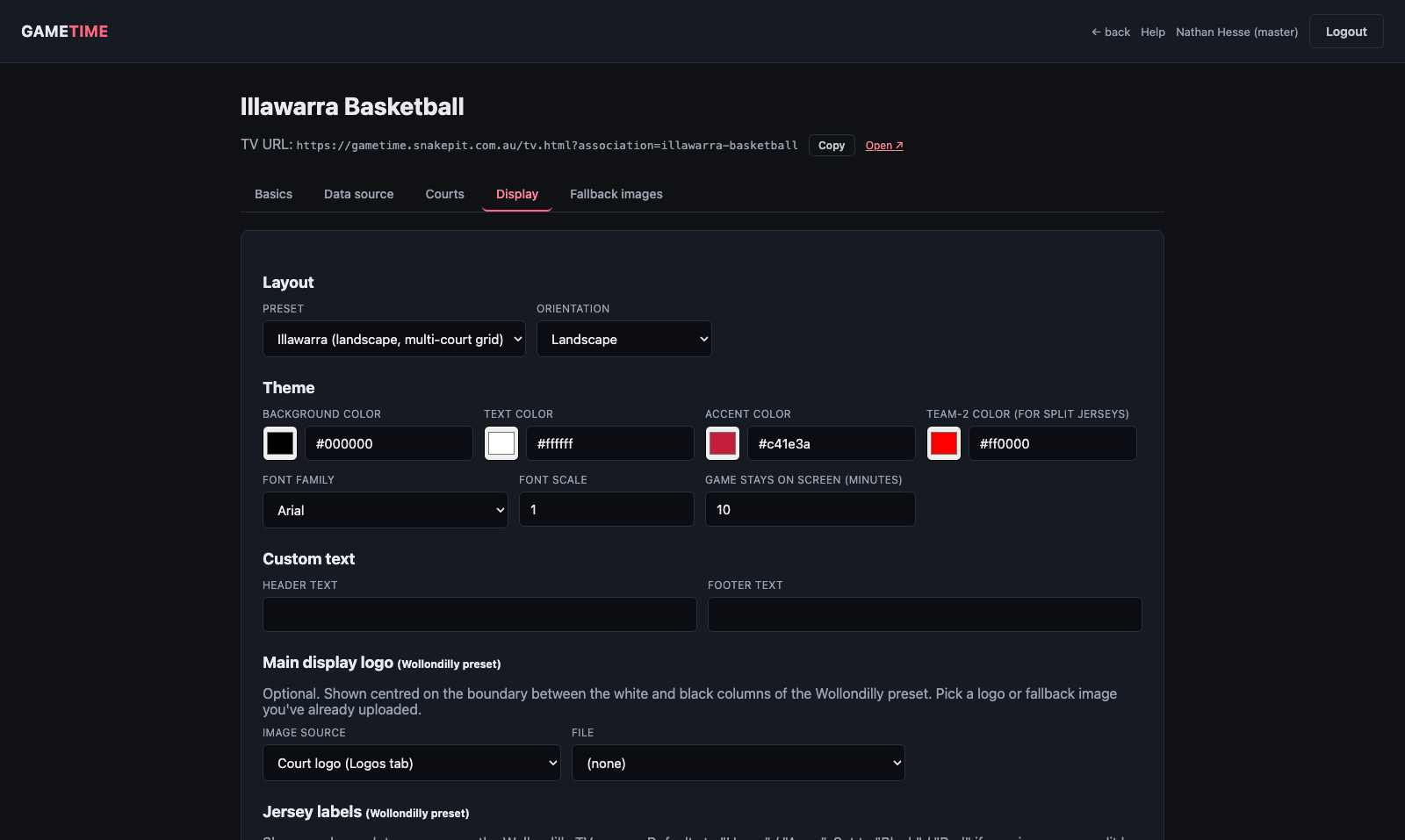
Point-and-click display settings

Pick a preset, set your colours and fonts, add header and footer text, choose a main club logo and preview the result live — all from the association editor.

  • Live preview — see exactly what the TV will render before you save.
  • Sponsor logos per court — upload once, assign to any court.
  • No-games artwork — upload full-screen images for after hours.
Display settings with live preview
Display settings — theme, layout and live preview

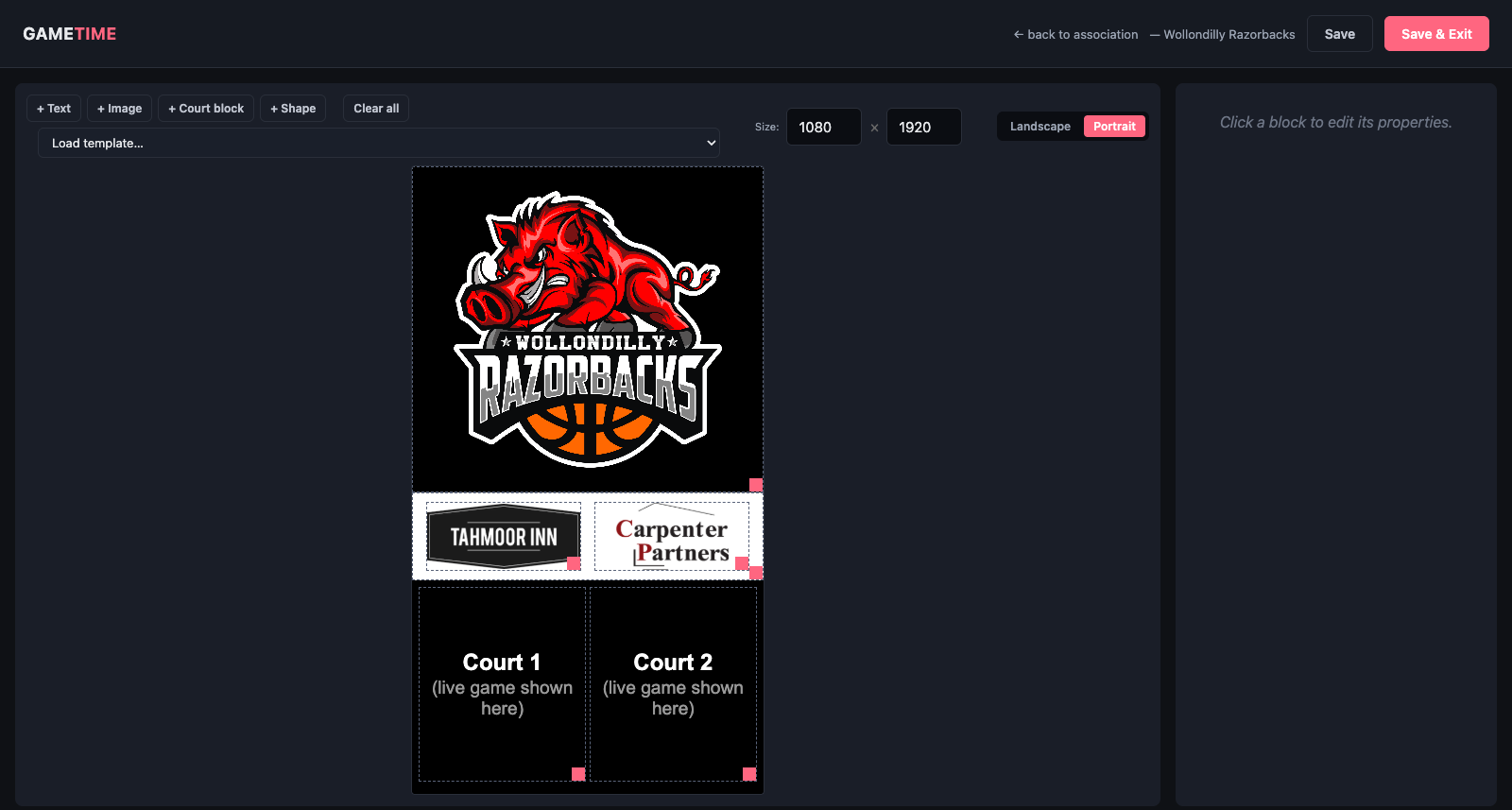
WYSIWYG layout editor

Drag text, images, shapes and live court blocks anywhere on a pixel-accurate canvas. Load the built-in templates as a starting point, then make the screen yours.

  • Court blocks — placeholders that fill with live game data on the TV.
  • Dynamic images — bind a block to your club badge or a court's sponsor logo.
  • Layers, fonts, z-order — full control, saved per association.
WYSIWYG layout editor
The WYSIWYG editor — drag, drop, done
Running It

Built to be left alone.

Multi-tenant, secured, and observable — one GameTime install can run every association you manage.

See exactly what's happening

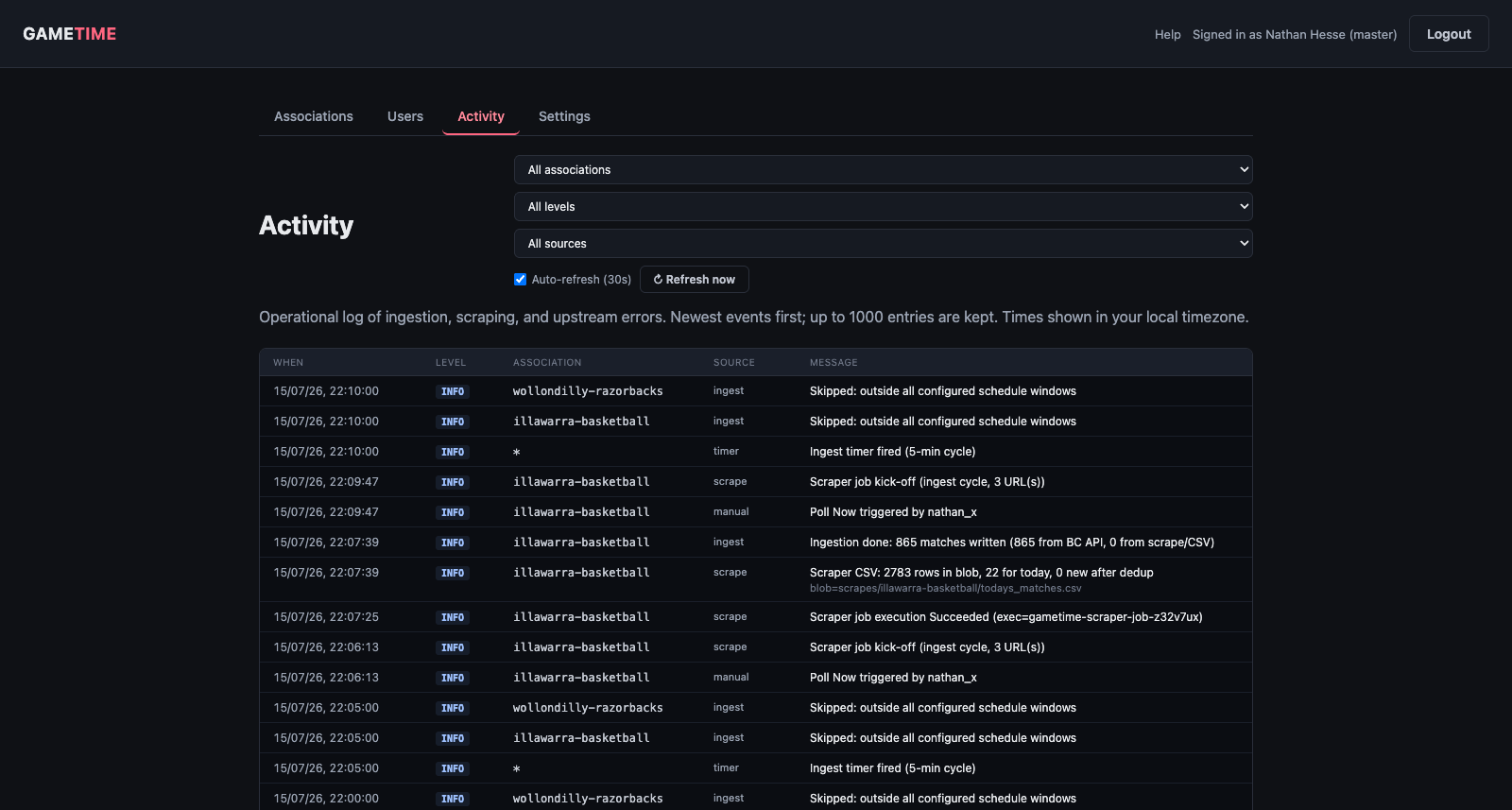
The activity log streams every ingest cycle, scrape run and upstream error with timestamps — so “is it working?” takes five seconds to answer, not an email thread.

  • Filter by association, level or source — find the one failure in a busy day.
  • Real upstream errors — BasketballConnect's actual message, not just “error 502”.
  • Auto-refresh — leave the tab open on game night.
Activity log
Activity log — ingest, scrape and API events in one stream
🏢

Multi-tenant

Each association gets its own data sources, courts, branding, schedules and TV URLs — fully isolated.

🔑

Microsoft sign-in

Admins sign in with their Microsoft work account via single sign-on, or with a username and password.

👥

Role-based access

Master admins run the platform; association users manage only their own club. Guardrails prevent lock-outs.

🔒

Hardened

HTTPS-only, bcrypt-hashed passwords, login rate-limiting, SSRF protection and private blob storage as standard.

Sydney-time aware

All scheduling and “today's games” logic runs in Australia/Sydney time, daylight-saving included.

📖

Built-in help

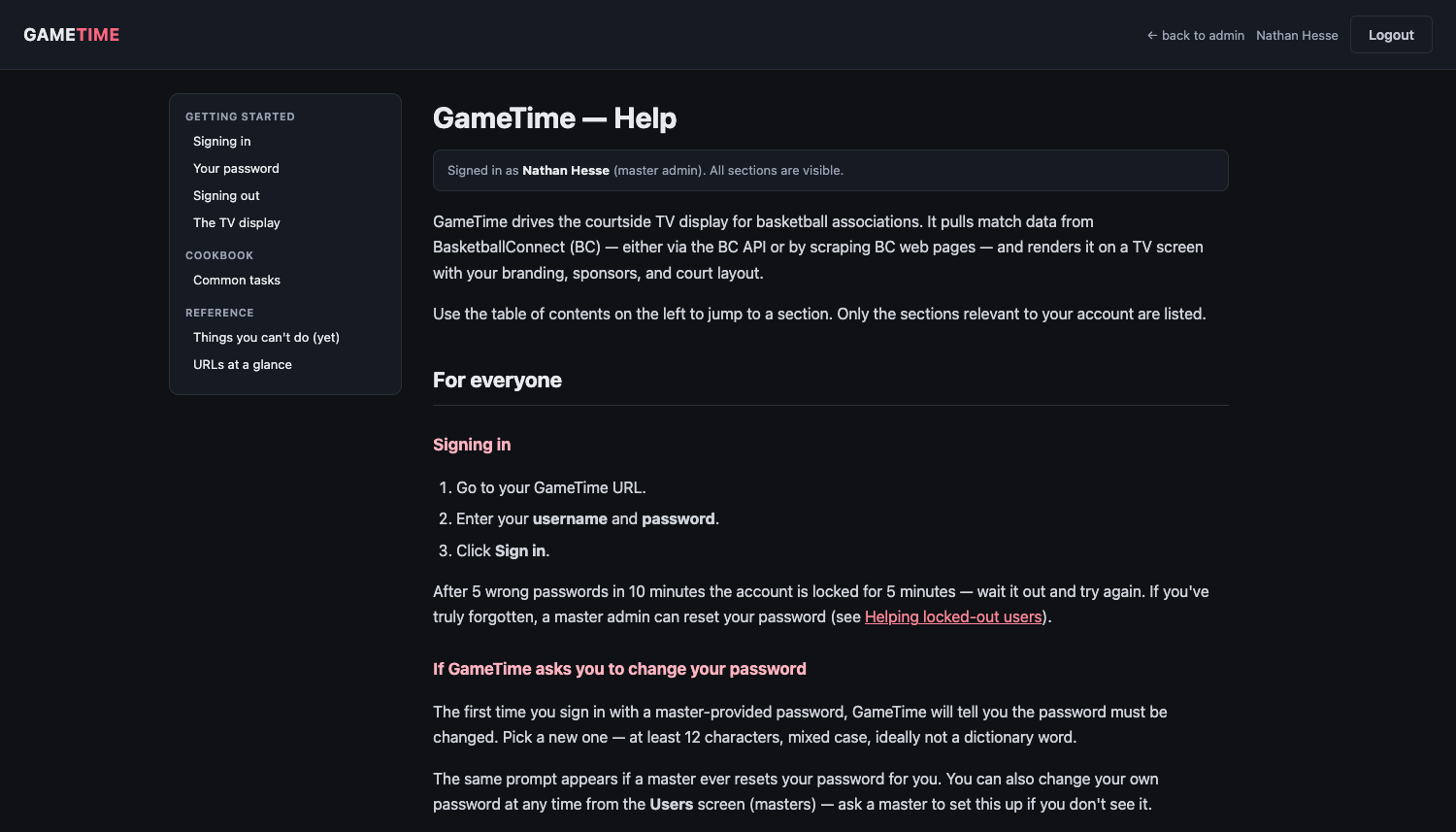
A role-aware help guide lives inside the app — every user sees the docs for exactly what they can do.

Help that knows who you are

The built-in guide adapts to the signed-in user: association staff see how to run their club's display; master admins see the whole platform. Nobody wades through docs for features they can't touch.

Browse the help guide →

Role-aware help guide
In-app help — filtered to each user's role